Access Tokens
Tokens are used for authentication/authorization of API requests.
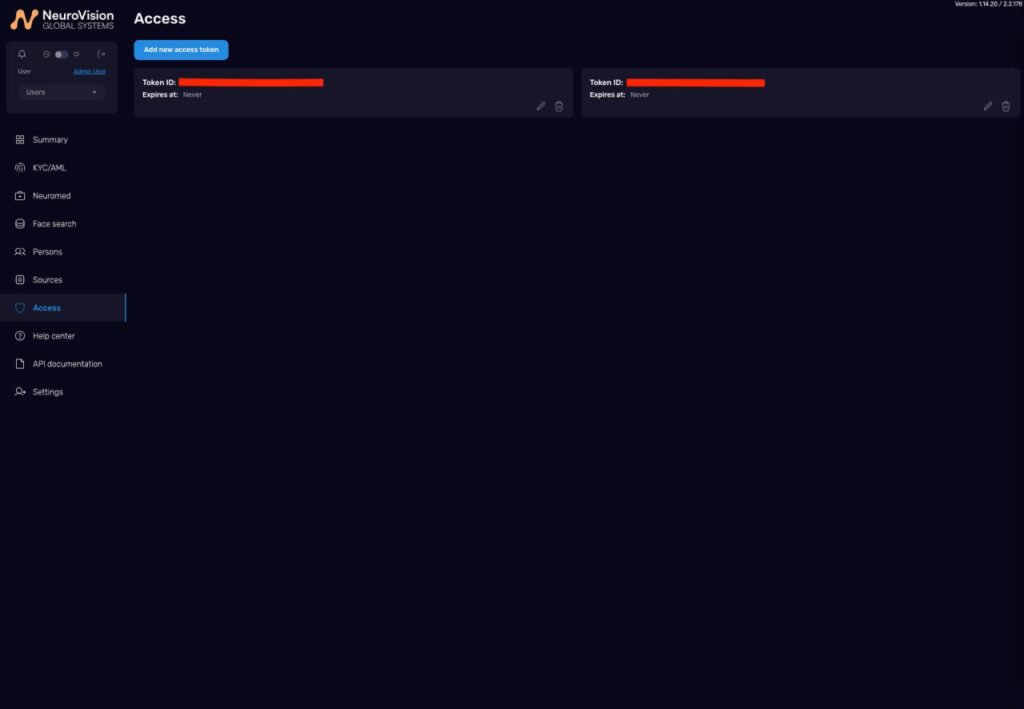
“Access Tokens” section
Create a token
- Access Tokens → Create new token.
- Specify name, expiration date (if needed), permissions.
- Save.
View/edit/delete
- Token list; click to edit/delete.
How to pass the token
Feature for endpoints: the token can (and often is more convenient to) be passed in the request body as the token field. Example:
# Endpoint URL
url = "https://api.enface.ai/v1/kyc/process"

# Parameters for KYCDocument
data = {
    "token": "xxxxxxxxxxxxxxxxxxxxxxxxxxxxxxx",        # the token is transmitted in the body
    "schemaId": "ca30efc0-9202-11f0-ad12-90496423b317",
    "mode": "sync",                                    # or "async"
}
For the full specification see the corresponding API sections. In most endpoints any option (header/body) is acceptable, but in
multipart/form-datathetokenfield is often more convenient.
Important
- Store tokens as secrets, do not share them with third parties and do not publish.